Looking for how to find someone on Bumble? Start with the information you already have: a shared profile link, a name, an approximate age, a city or a photo. Each gives you a different route, and each has limits.
The short answer: Bumble does not offer a public directory where you can look up every member by name. You can review profiles shown in the app, open a profile someone has shared with you, or investigate publicly available clues. A matching photo alone does not establish who runs an account or whether they are currently using it.
If you have several details to work with, start a dating profile search with LinkChart. Use the information you know to investigate possible matches, then check the supporting evidence.
Research reviewed on 23 September 2026. This guide draws on Bumble's published help articles and distinguishes profile discovery from confirmed identity or activity.
Which Bumble search method should you try?
Choose your starting point before spending time swiping or paying for a tool. The useful question is what a method can actually establish.
| What you have | Where to start | Main limitation |
|---|---|---|
| A shared Bumble profile link | Open it in the Bumble app. | You need a Bumble account; the link does not verify the person's identity. |
| Approximate age and location | Review your People-tab preferences. | Filters do not guarantee that one particular person will appear. |
| A name or known username | Look for relevant public pages and cross-check their details. | A name match or a social account does not establish Bumble membership. |
| A profile photo | Check for public appearances of that image. | An image can be copied, and some pages will not be discoverable. |
| Several pieces of information | Use them together in a structured dating profile search. | Coverage depends on the service's actual sources; results still need review. |
| Only a phone number or email | Identify what the proposed lookup really covers. | Bumble does not provide a public reverse phone or email directory. |
Can you search for a specific person on Bumble?
Bumble's normal discovery process presents profiles through its People tab, where preferences influence who you see. This differs from entering a full name into a searchable member directory.
It also helps to separate three questions: Does this profile exist? Is it operated by the person I have in mind? Is that person using it now? Evidence that answers one question may leave the others unresolved. Keep that distinction in mind when evaluating any Bumble profile finder.
How to find someone on Bumble: five practical approaches
1. Open an existing shared profile link
If someone has already sent you a Bumble profile, begin with that link. It gives you a specific profile to examine instead of a name to guess at.
Bumble documents a Recommend to a Friend feature: a member viewing a profile can use its share icon and send the generated link through a messaging app. The recipient needs the Bumble app and an account to view it.
A recommendation link is different from a public, searchable profile page. Once it opens, compare what the profile actually says with the information you were given. Avoid relying on a detached screenshot when the original profile is available.
2. Review Bumble's age and distance filters
If you already use Bumble, open the People tab and review the filter settings. Bumble's official filter guide explains options including age and, in supported countries, distance. Additional filters are available through Premium.
Use an approximate age range rather than assuming every detail you remember is exact. Check which preferences you have enabled: an overly restrictive combination may exclude a relevant profile.
Filters can make the profiles you review more relevant. They cannot establish that you have seen everyone in a city, or that someone is absent from Bumble. Paying for extra filters does not turn the app into a name-search engine.
3. Use a name or username to look for public clues
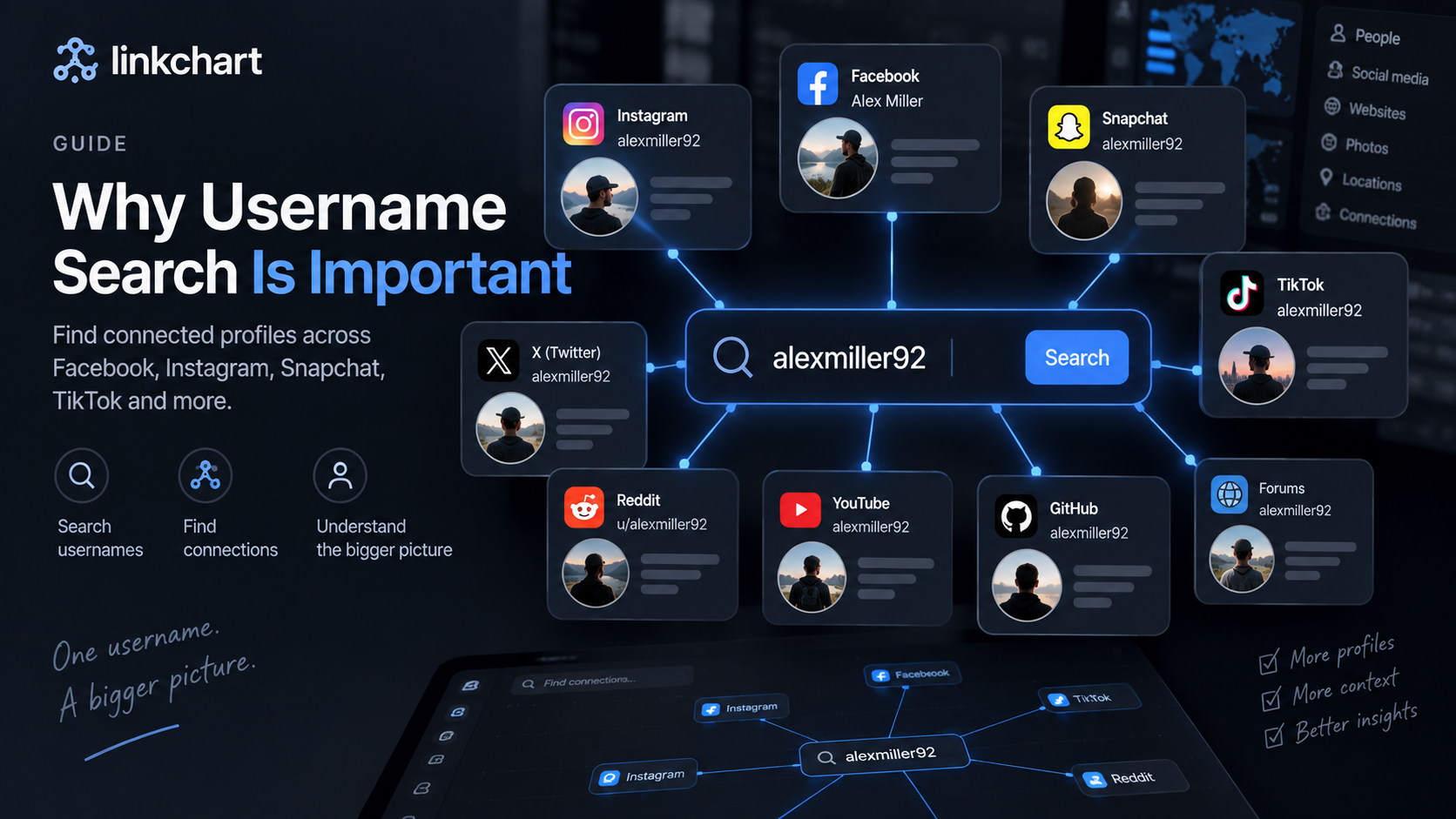
A first name is a starting point, especially when you can combine it with a city or another detail the person has shared. A distinctive username may be more useful for finding related public accounts.
For example, if someone has voluntarily shared a social handle, you can check that public profile and compare its photos or biographical details. Keep the conclusion narrow: finding a matching Instagram account establishes a lead on Instagram. It does not establish that the same person owns a Bumble account.
Avoid constructing supposed Bumble profile URLs from a name or assuming a Google search covers the app's membership. For more context on handles, see our guide to using usernames to find online profiles.
4. Check where a profile photo appears online
Have a photo but little else? A reverse image search can help you investigate whether that picture appears on other public pages. Google explains that Google Lens results can include similar images and websites containing the image or something visually similar.
- Choose a clear image you have permission to use.
- Open Google Lens and select the image.
- Review the linked pages, not just the thumbnails.
- Check what each page actually establishes about the picture.
This is useful for investigating reused pictures. It does not make Google Lens a complete Bumble photo-search database. The same image can appear under different names because it was copied; a visually similar face may be a different person.
5. Combine your information in a LinkChart search
When you have a name, an age, a location and photos, it helps to work with them together. LinkChart's dating profile search is designed to collect those details in one guided workflow.
- Open the search tool. Select Start a Search.
- Add the known details. Enter the first name, age or possible age range, and select a relevant place.
- Add useful context. Follow the photo step and include a known username or other optional information where available.
- Review the output. Assess possible matches against their sources. Results labelled as demonstrations are examples, not evidence about a person.
Start your dating profile search →
Search coverage depends on available sources. LinkChart does not establish a person's identity, messages or recent app activity simply because a result looks similar.

Can you find someone on Bumble without an account?
You can investigate public information without a Bumble account. That includes checking a publicly shared username, reviewing public webpages or searching for reused images. Those methods may produce useful leads, but they do not give you unrestricted access to Bumble profiles.
Bumble's recommendation links require an account in the app. Its former desktop service is also no longer an alternative: Bumble confirms that Bumble Web has been discontinued. Older instructions telling you to log in through the web version are outdated.
If a third-party service advertises a Bumble search without an account, check whether its results are actual source-linked profiles, public information from other websites or examples. These are different products.
Can you search Bumble by phone number or email?
Bumble does not provide a public reverse phone-number or email lookup for its members. Knowing the details someone might use to sign in does not give you access to their profile.
A general people-search service may return other information associated with a phone number or email address. Before treating that as a Bumble result, look for the underlying source. A contact-data match alone does not establish a dating account. There is no reason to use someone else's login or account-recovery process to follow the methods in this guide.
How to tell whether a possible match is relevant
Before deciding you have found the right person, ask what is directly visible and what you are inferring. A useful result should let you explain the connection without relying solely on a confidence score.
- Source: Can you open the original profile or page? Is it actually a dating profile?
- Consistency: Do several independent details agree, rather than only a common first name?
- Timing: When was the information observed? An old screenshot cannot establish present activity.
- Alternative explanations: Could the image be copied, the name shared or the account impersonating someone?
Illustrative example: You know someone as Alex, approximately 30, living in Manchester. A search returns a social page using a familiar photograph. You have found a page that uses that image. You have not yet established that Alex operates it or has a Bumble profile.
If you later view a Bumble profile with several matching details, record exactly what you observed. Even then, separate the profile's existence from who controls it and when they last used it. This approach helps you avoid turning a plausible lead into an unsupported accusation.
Why might you be unable to find someone?
A missing result does not settle whether a person has an account. Your preferences may exclude a profile, or the public information available to an external search may be insufficient.
Privacy settings also matter. Bumble explains that Incognito Mode limits visibility to people the member has liked. Its Snooze feature lets members take a break from making new matches.
Record an unsuccessful search as “not found with these details and sources.” Repeating the same lookup cannot remove a source's coverage limits.
Frequently asked questions
Is there a free way to find someone on Bumble?
You can begin with an existing shared link, the app's basic discovery options or public web and image searches. None guarantees a match. Before using a paid third-party tool, check its current price, what sources it covers and what you will receive.
Does Bumble Premium let you search by name?
Premium's additional filters are discovery preferences, not a public name directory. Choose a subscription for the features it documents, rather than assuming it guarantees access to one particular profile.
Can you tell when someone was last active on Bumble?
Bumble states that it does not show an “active now” or “last seen” indicator. A visible profile or a third-party result therefore does not, by itself, tell you when the person last used the app.
Can you find a Bumble profile using only a picture?
A photo can lead to public appearances of that image. Whether it leads to a Bumble profile depends on what is actually accessible. A photo match can also reflect reuse or impersonation, so inspect the original source and supporting details.
Does finding a profile prove someone is cheating?
No. A profile, screenshot or possible match does not establish who operates an account, current activity or the agreements within a relationship. Keep your conclusion tied to the evidence you can verify.
Start with the details you already know
You do not need to guess at every possible search method. Choose the route that fits your information, keep track of the source, and assess each possible match carefully.
Start a dating profile search with LinkChart →
If you are also looking beyond Bumble, our guides explain how to find someone's Tinder profile and how Hinge profile searches work. You can also read the LinkChart Bumble search overview.
LinkChart is an independent service and is not affiliated with Bumble.