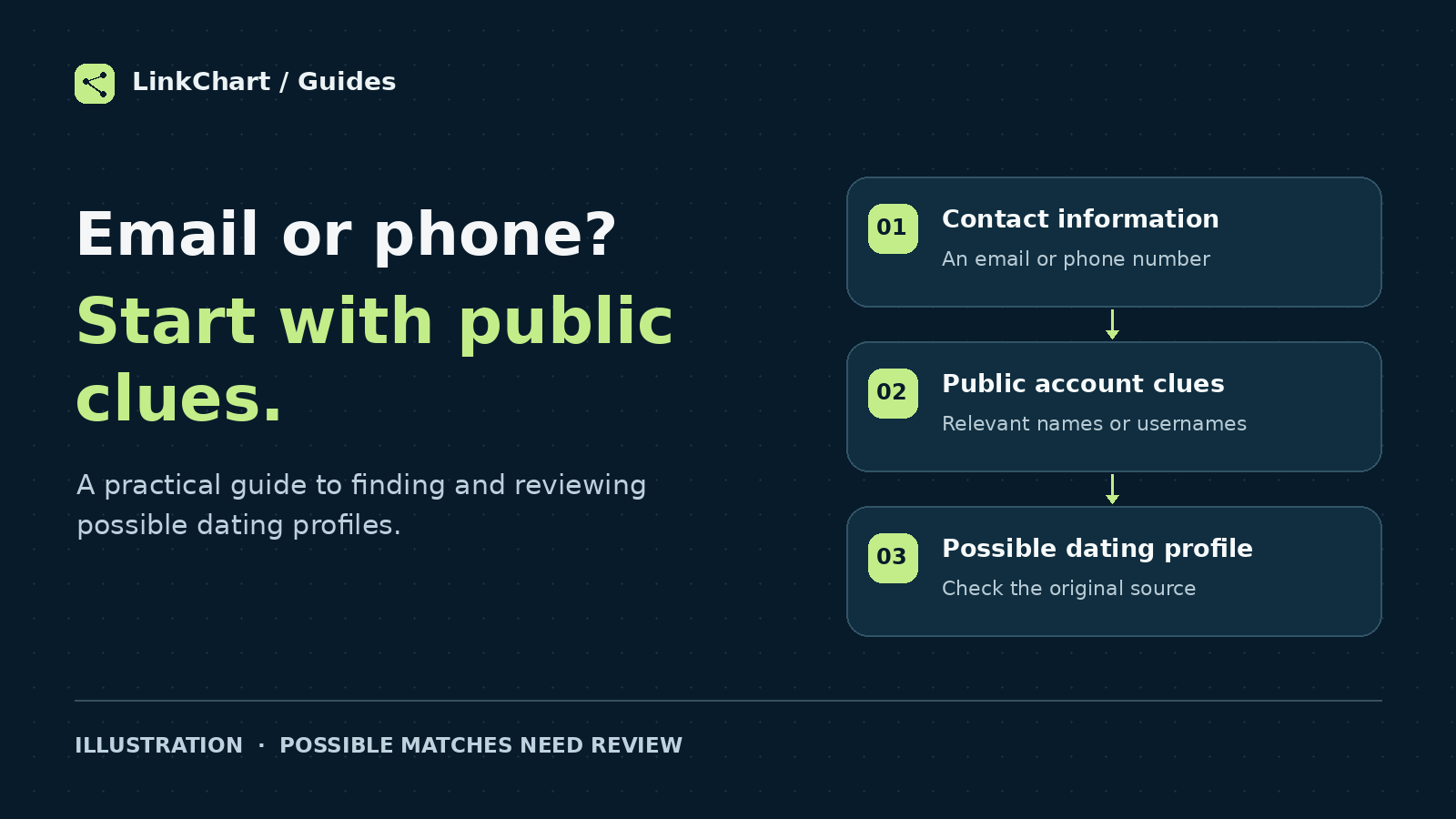
Can you find dating profiles by email or phone number? Sometimes an email address or phone number can lead to useful public information. It is not a universal key to Tinder, Bumble or Hinge. The practical approach is to find relevant public clues first, then compare any possible dating profiles using a name, age, location, username or photos.
If you only have someone's contact details, choosing the right starting point matters. A public email lookup, a username search and a dating profile search answer different questions. This guide explains how to move between them without confusing an account clue with a confirmed profile.
Already have a name or photo? Start a Dating Profile Search →
What can each piece of information tell you?
| What you have | A useful starting point | What it does not establish |
|---|---|---|
| Email address | Look for public pages or account clues associated with the address. | That a dating account belongs to that person or is active. |
| Phone number | Check public references and whether the number is still relevant. | That the current holder owns a particular dating profile. |
| Username | Search the exact handle and review the original profile pages. | That every account using the handle has the same owner. |
| Name, age and city | Use the details together to narrow possible matches. | That a person with similar details is the person you mean. |
| Photo | Look for reused public images and compare other profile details. | That the person pictured created or controls the account. |
| Profile link | Open the original source and check what it actually shows. | That the profile owner is currently using the app. |
How to search for dating profiles by email
An email address can be a starting point when it appears on a public page. It may help you find a relevant username or account reference, but an email login is not the same thing as a publicly searchable dating profile.
1. Search the complete address
Try the exact address in quotation marks in a search engine. For example, using a fictional address:
"alex.river@example.com"Review the page behind each result. Is the address actually visible there? Does the page relate to the person you mean? A search snippet alone can leave out context, and an old reference may no longer be relevant.
2. Follow public usernames carefully
If a relevant public page includes a username, search that handle separately. The part of an email before the @ symbol can suggest a handle to try, but it remains a guess until a source connects it to the person.
For the broader account-discovery workflow, see our guide to finding usernames by phone number or email.
3. Switch to the details a dating search can use
Once you have a relevant name, approximate age, city, known username or reference photo, those details provide a more specific starting point for a dating profile search. Keep a note of where each clue came from so you can check it again.
Can you find dating profiles by phone number?
A phone number may appear in public contact information or other public references. Search it in the format you already have and, where relevant, with its country code. Formatting differences can change which public pages a search engine returns.
A reverse phone lookup may supply basic information about the number. That is a different result from finding a dating profile. Carrier or region information does not identify a dating account, and an older public reference may concern a previous holder of the number.
If you are trying to find someone on Tinder, Bumble or Hinge by phone number, look for an independently supported connection to useful profile details. A number by itself is not enough to confirm who owns a possible match.
Does Tinder's Block Contacts feature reveal accounts?
No. Tinder's Block Contacts documentation explains that adding someone to your blocked contacts does not mean they have a Tinder account. It is an avoidance feature, not a way to check who is registered.
What about Tinder's search feature?
As of October 2026, Tinder is testing a Search feature for iOS users in selected markets. It focuses on interests and lifestyle. Tinder says it is not designed to find a specific person and does not return searches based on someone's name, age or social handle.
Hinge likewise states in its Discover Feed guide that it does not offer a search option for specific people.
The useful distinction is between browsing people an app recommends and looking for public clues about one person. A feature called “Search” does not automatically provide an email or phone-number directory.
If email or phone searches stop, use another starting point
There may be nothing useful publicly connected to the contact information you have. You can still work with other details already available to you:
- Name, age and location: use them together rather than treating a common first name as a match.
- A known username: check the original pages and compare details before connecting accounts.
- A reference photo: look for public image reuse and check the context of the result.
Google Lens can return similar images and websites containing the same or a similar image. This can help you review where a photograph appears. It does not identify who controls an account or establish access to private dating-app photos.
If a photo is your main starting point, see dating profile search by photo.
How to use LinkChart for this workflow
Choose the tool based on the information you have:
- Only an email, phone number or username? Start with LinkChart's email, phone and username tools to explore the available account clues or public references. A phone lookup may provide number details and public search links; it does not automatically produce a dating profile.
- Have a name, approximate age and location? Use Dating Profile Search. Add a known username or clear reference photos if you have them. Photos are optional in the current search workflow.
- Received a possible match? Check it against the original source and the details you already know before drawing a conclusion.
Email and phone lookup happen in the general Tools workflow. Dating Profile Search uses profile details such as name, age, location, username and photos. An email address is not currently presented as a direct input in that dating search.
Search with the profile details you have →
How to check a possible dating profile match
Separate these three questions: Is this a real source? Does the profile concern the person you mean? Does it show recent activity? Finding one answer does not settle the others.
- Identity: compare several details, including photos, age, location and known usernames. Copied photos and shared names can mislead.
- Source: open the original link when available. A generated description or score is not a substitute for a source you can inspect.
- Current status: distinguish an old screenshot or indexed reference from information visible now. A date showing when a search ran is not a last-active date.
- Uncertainty: record what remains unconfirmed instead of filling in the gaps.
A simple example
Suppose an email search leads to a public username, and a possible dating profile has a similar name and familiar photo. That is a lead. The image could have been copied, and the username could belong to someone else. Check the original page and compare independently known details before treating the accounts as connected.
A profile's existence alone does not establish cheating or current use. Likewise, no result does not establish that no account exists. Your search may miss information that is private, unindexed or outside the sources searched. Use information you are entitled to use and keep the search focused on publicly accessible sources.
Frequently asked questions
Can I do a dating profile search by email for free?
You can start with an exact email search in a search engine and review publicly accessible pages. That searches public web information; it does not provide a complete list of dating accounts linked to the address.
Can I find someone's Tinder profile using their phone number?
A phone number may help you find public clues. Tinder's contact-blocking feature does not confirm that someone has an account, and a phone lookup does not establish ownership of a dating profile.
Can LinkChart search dating profiles directly by email?
The current Dating Profile Search uses details such as name, age, location, username and optional photos. Use LinkChart Tools for a separate email lookup, then review any relevant clues before continuing with a dating search.
Can I search if I only have a photo?
A photo can help you look for public image reuse or compare possible profiles. LinkChart's dating search also asks for basic profile details, so add the information you already know rather than assuming a photo alone confirms identity.
Does a matching profile mean someone is active now?
No. A possible profile match, an old screenshot and a search timestamp do not establish current app use. Check what the original source actually shows.
What does it mean if I find nothing?
It means the search did not identify a useful result from the information and sources checked. It does not prove that the person has no dating account.
Ready to search with the details you already have?
If you have a name, approximate age, location or reference photos, start a structured search and review any possible matches. If you only have an email or phone number, begin with the separate lookup tools and follow relevant public clues.