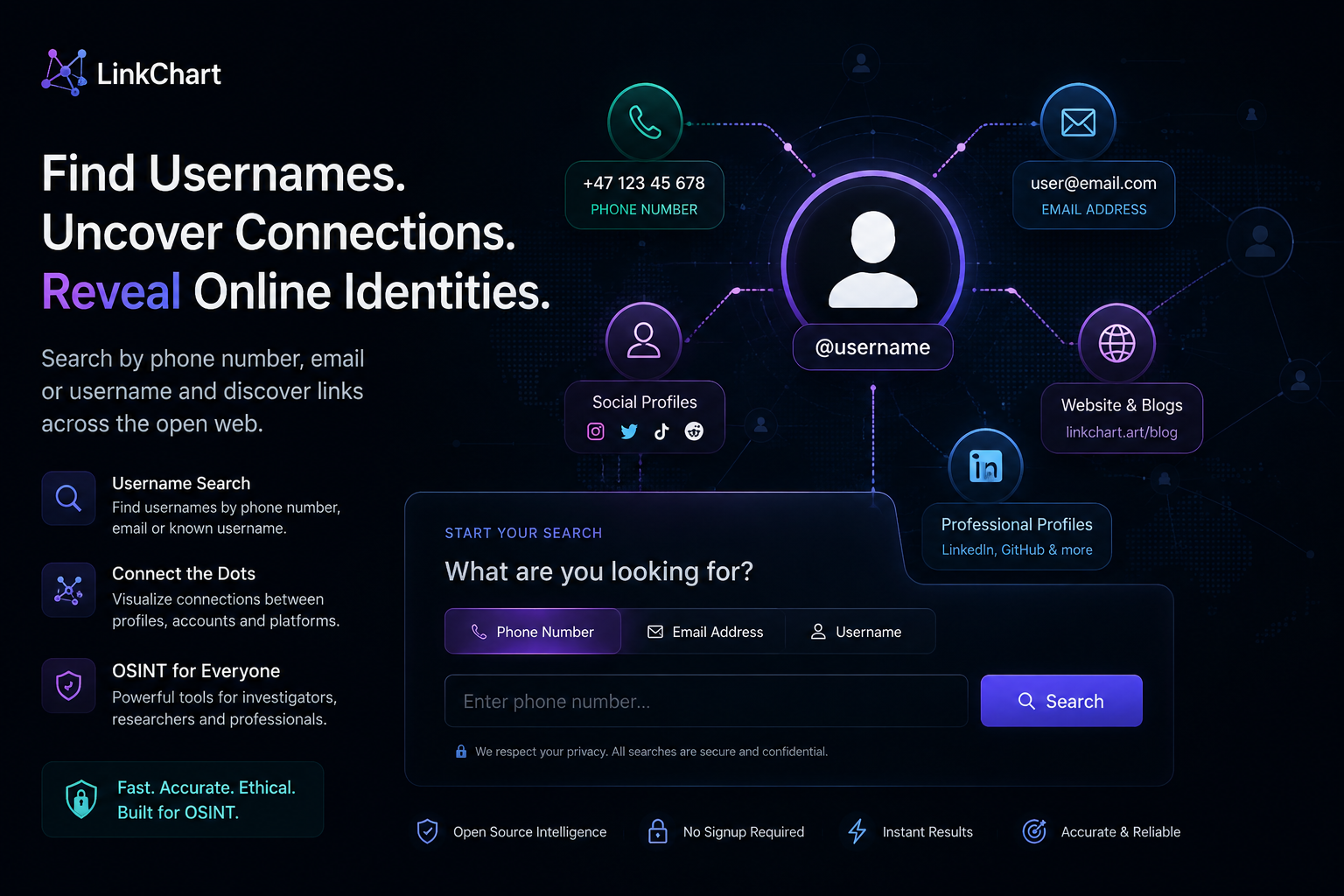
A username, email address, or phone number may seem like a small piece of information. But across the public web, a single identifier can sometimes connect usernames, profiles, websites, and other pieces of an online identity.
With LinkChart, you can start with the information you already have and search for publicly available connections. Whether you want to perform a username lookup, try a username search by phone number, conduct a username search by email, or use an email finder by username, the goal is the same: turn one known identifier into useful leads for further research.
In this guide, we'll explain how username searches work, what you can realistically discover, how to verify potential matches, and how LinkChart can help you organize the connections you find.
Start a username search with LinkChart →
What Is a Username Lookup?
A username lookup is the process of searching for a specific username across websites, platforms, and other publicly accessible online sources.
Usernames can be surprisingly useful during online research because people often reuse them. Someone might create a username for a forum, later use the same name on a social platform, and then use a slightly modified version of it somewhere else.
Even when the person's display name changes between platforms, the underlying username may remain similar.
For example, imagine that you know the username:
@exampleusernameSearching that username may reveal several public accounts. One might be unrelated, another might contain very little information, while a third could include a profile description or another public identifier that gives you a new lead.
This is why a username lookup should be considered a discovery tool rather than automatic proof that two accounts belong to the same person.
Common usernames can belong to completely unrelated people. Even distinctive usernames should be verified using additional public information whenever accuracy matters.
Why Are Usernames Useful for Online Research?
Names are not always reliable online identifiers.
A person might use their full name on one website, a nickname on another, initials somewhere else, and no recognizable name at all on another platform.
Usernames often behave differently.
People tend to reuse usernames because they are easy to remember. This can create connections between profiles that otherwise appear unrelated.
Someone using exampleuser on one platform might use:
- exampleuser
- example_user
- exampleuser92
- example.user
- exampleuser1
Small variations can therefore be worth investigating when performing a username lookup.
However, similarity alone is not enough to confirm an identity. The username should be considered alongside other information such as public profile details, websites, locations, dates, profile images, biographies, or additional identifiers.
Username Search by Phone Number
Sometimes you don't have a username at all. You might only have a phone number.
A username search by phone number attempts to discover publicly available online information that may be associated with that number.
Phone numbers are used throughout the internet. They can appear on business pages, public profiles, marketplace listings, websites, directories, contact pages, and other publicly accessible sources.
Depending on what information exists publicly, searching a phone number may provide additional clues that can be used for further research.
How a phone number search can develop
Imagine that your starting point is only a phone number:
Phone number
     ↓
Public reference
     ↓
Possible username
     ↓
Username lookup
     ↓
Additional public profiles
The important part is that the first search does not necessarily need to provide the final answer.
Instead, it may provide the next piece of information you need.
For example, a phone number might lead to a public page containing a username. You can then search that username separately. The username might appear on another website containing another useful identifier.
This process of moving from one identifier to another is sometimes called pivoting.
Instead of repeatedly searching the same information, you use each relevant discovery as a new starting point.
Try a username search by phone number →
Can You Find a Username from a Phone Number?
Sometimes, but not always.
Whether a phone number leads to a username depends entirely on what information is publicly accessible online.
Some numbers have a significant public footprint. Others have almost none.
A phone number might belong to a business, may have been reassigned to a different person, may be shared, or may simply never have been published publicly.
This is why a phone number search should not automatically be interpreted as proof of identity.
If a search produces a possible username, treat it as a lead. Search the username separately and compare the resulting public information with what you already know.
Username Search by Email
Email addresses are another useful starting point for online research.
A username search by email looks for publicly accessible information that may connect an email address to usernames, accounts, websites, or other online references.
Email addresses have been used as online identifiers for decades. They can appear on forums, personal websites, portfolios, development platforms, public documents, business pages, communities, and other online services.
In some situations, the email address itself can provide a possible username.
Consider an address like:
exampleusername@example.comThe first part of the email address may be worth searching as a username.
That does not mean it is necessarily used elsewhere, but it gives you another possible search path.
The process might therefore look like this:
Email address
     ↓
Possible username
     ↓
Username search
     ↓
Public profile
     ↓
Additional identifier
Why Search an Email Address?
One advantage of an email address is that it can sometimes remain associated with a person's online activity for many years.
Someone may change their social media usernames while continuing to use the same email address for public projects, websites, forums, or professional accounts.
A username search by email can therefore provide a different perspective than searching only by name.
You may discover that an email address appears alongside a username that you did not previously know. That username can then become another search input.
The value comes from connecting these individual pieces of information rather than expecting one search to reveal everything.
Search using an email address →
Email Finder by Username
The process can also work in the opposite direction.
You may already know a public username but want to investigate whether publicly available contact information has ever been associated with it.
An email finder by username searches for public references that may connect a username with an email address or other contact information.
This can be useful because the same username may appear on very different types of websites.
A username used on a social platform might also appear on:
- Public forums
- Personal websites
- Blogs
- Portfolio pages
- Developer communities
- Public profile pages
- Other online communities
One of those pages might contain contact information that the account owner has chosen to make public.
A possible research path could therefore be:
@knownusername
      ↓
Matching public profile
      ↓
Personal website
      ↓
Public contact page
      ↓
Possible email address
As with every other search method, a possible connection should be verified before being treated as accurate.
Combining Username, Email and Phone Searches
The real power comes from combining different search methods.
Online identities are fragmented. One website might contain a username. Another might contain an email address. A third might contain a profile using a different username.
Looking at each piece independently can make the information seem unrelated.
Looking at them as a network can reveal possible connections.
For example:
PHONE NUMBER
     │
     └── Possible Username
              │
              ├── Social Profile
              │
              └── Public Website
                       │
                       └── Email Address
                                │
                                └── Second Username
                                         │
                                         └── Another Public Profile
This is much closer to how real online research works.
You rarely begin with every piece of information you need. Instead, you start with something small and gradually discover additional leads.
From Search Results to a Link Chart
Finding information is only one part of an investigation.
As the number of usernames, profiles, email addresses, phone numbers, websites, and other identifiers grows, keeping track of the relationships between them becomes increasingly difficult.
This is where LinkChart becomes particularly useful.
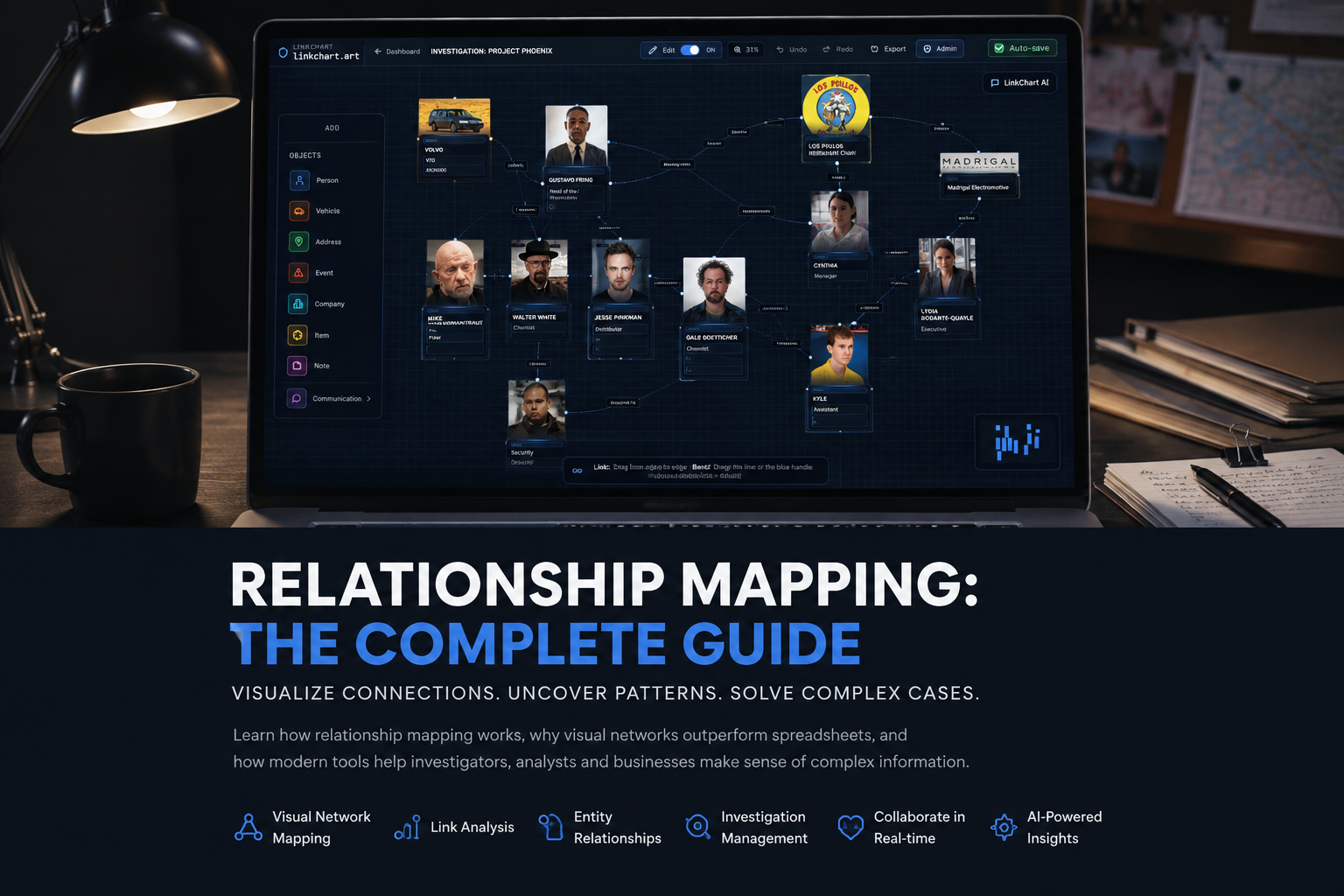
Instead of storing discoveries across dozens of browser tabs or scattered notes, you can organize relevant information visually.
For example, you might create one element representing a person and connect it to a known username. That username can connect to a public profile. The profile can connect to another username, email address, website, location, or other relevant information.
The result is a visual map of the information you have discovered.
This makes complicated relationships easier to understand and can help reveal connections that are difficult to notice when everything is stored as plain text.
A Practical Username Search Workflow
If you are researching a username, email address, or phone number, a structured workflow can help reduce false matches and make your research easier to understand.
1. Start with the strongest identifier
Begin with information you already know rather than assumptions.
This could be a username, email address, or phone number.
2. Search the identifier
Use LinkChart's search tools to look for relevant publicly accessible references. At this stage, think in terms of possible leads rather than confirmed identities.
3. Look for additional identifiers
Review relevant results for new information.
A profile might reveal another username. A public website might contain an email address. A public listing might contain another useful identifier.
4. Pivot to the new information
Search the newly discovered identifier separately.
If you started with a phone number and discovered a username, perform a username lookup. If a username leads to an email address, perform a username search by email or investigate the email separately.
5. Compare the results
Look for multiple independent details that support a possible connection.
A matching username alone can be weak evidence. A matching username combined with other consistent public information can provide much stronger context.
6. Map relevant connections
Add useful discoveries to your LinkChart workspace so that you can visualize which information is connected and which relationships still require verification.
How to Avoid False Username Matches
False matches are one of the biggest challenges when searching usernames.
Imagine searching for:
@alex92There could be many unrelated people using that username or something very similar. Finding the same username on two websites does not automatically mean both accounts belong to the same person.
This is especially important when dealing with common usernames.
When evaluating a possible match, consider whether other public details are consistent.
- Does the profile use the same or similar biography?
- Are locations consistent?
- Are linked websites related?
- Are dates or activity patterns consistent?
- Does one profile directly reference another?
- Are there other matching public identifiers?
No single factor necessarily proves that two accounts belong to the same person. The goal is to evaluate the complete context.
Username Variations Are Worth Checking
Another common mistake is searching only the exact username once.
People frequently modify usernames when their preferred name is unavailable on a platform.
If the known username is:
johnsmithPossible variations might include:
- john_smith
- john.smith
- johnsmith1
- johnsmith92
- johnsmith_
- j0hnsmith
Searching reasonable variations can reveal profiles that an exact username search might miss.
However, the broader your search becomes, the greater the possibility of false matches. Variations should therefore be treated as potential leads rather than automatic connections.
What Can LinkChart Help You Search?
LinkChart is designed for situations where you have limited information and want to investigate its public online footprint.
Your starting point might be:
- A username
- An email address
- A phone number
- A known public profile
- Another online identifier
If you have a username, begin with a username lookup.
If you have a number, try a username search by phone number.
If you have an email address, try a username search by email.
If you already know a username and want to investigate public contact references, an email finder by username can provide another search direction.
The important idea is that these searches do not need to exist independently. One search can provide the input for the next.
Use Public Information Responsibly
LinkChart is designed for legitimate research involving publicly accessible information.
Search results can be incomplete, outdated, ambiguous, or incorrect. A result should never automatically be treated as confirmation of someone's identity.
When accuracy matters, compare multiple independent sources and distinguish clearly between information that is confirmed and information that is only a possible connection.
You should also use online research tools in accordance with applicable laws, privacy requirements, and the rules of the platforms and services involved.
Frequently Asked Questions
What is a username lookup?
A username lookup searches for a known username across publicly accessible online sources to discover potential profiles, accounts, websites, or other references connected to that username.
Can I search for a username by phone number?
A username search by phone number can be used to investigate whether a phone number has publicly accessible online references that provide usernames or other useful identifiers. Results depend on what information is publicly available.
Can I search for a username by email?
Yes. A username search by email uses an email address as the starting point for discovering possible public usernames, profiles, websites, or other online references.
What is an email finder by username?
An email finder by username looks for publicly available references that may connect a known username with an email address or public contact information.
Does a matching username mean it is the same person?
No. Different people can use identical or similar usernames. A matching username should be considered a possible lead until other information supports the connection.
Why should I search multiple identifiers?
Different websites expose different pieces of public information. Searching a username might reveal an email address, while searching that email could reveal another username or profile. Combining identifiers can uncover connections that would otherwise be missed.
Can I organize the results in LinkChart?
Yes. LinkChart's visual canvas can be used to organize people, usernames, profiles, websites, events, and other relevant information as connected elements.
Start Your Username Search
Online information rarely exists in one place.
A username might connect to a profile. That profile might connect to a website. The website might reveal an email address. The email address might lead to another username.
The important part is knowing how to follow those connections.
With LinkChart, you can start with the information you already have, investigate publicly available references, and organize useful discoveries into a visual network.
Whether you're performing a username lookup, username search by phone number, username search by email, or using an email finder by username, the workflow begins with one simple piece of information.
Then you follow the connections.