
7 Best Email, Username & Phone Lookup Tools in 2026
Have an email address, a username or a phone number? The right lookup tool can help you explore the online footprint behind it. Here are seven useful options, starting with LinkChart for searching across identifiers and organizing the connections you discover.
One clue can give you several places to look
An unfamiliar email appears in your inbox. A seller uses a distinctive username. An unknown number keeps calling. Each gives you a starting point, but the next step depends on what you want to learn.
A reverse email lookup starts with an address you already know. An email finder helps you look for a professional address using a name and company. A username search checks for matching handles, while a phone lookup may provide caller labels, number details or public search leads.
This list compares tools across those different jobs. Our first choice is LinkChart for combining identifier searches with a visual research workspace. The other tools are useful when you need a more focused search.
Publisher’s note: This guide is published by LinkChart. The order reflects our editorial preference for a workflow that combines discovery, review and relationship mapping. The comparison is based on providers’ documented features; it is not a measured accuracy or speed ranking.
The best lookup tools at a glance
Choose by your starting information and the kind of result you need.
| Tool | Starting point | Our recommended use | Access |
|---|---|---|---|
| 1. LinkChart | Email, username or phone | Lookup research and visual mapping | Browser; free preview, paid full reports |
| 2. Epieos | Email or phone | Focused reverse lookup | Browser; free and paid plans |
| 3. WhatsMyName | Username | Free browser-based handle searches | Free web interface |
| 4. Hunter | Name + company domain | Finding professional email addresses | Browser; free and paid plans |
| 5. Truecaller | Phone | Caller identification and spam context | Web and app; free core lookup |
| 6. Sherlock | Username | Command-line username checks | Free, open-source software |
| 7. Maigret | Username | Username research with richer reports | Free, open-source software |
Official product pages and documentation are linked in each entry below. Search limits, available modules and subscription terms can change.
LinkChart — Best for lookup research and visual mapping
Email, username and phone searches in one browser-based starting point.
LinkChart is our top choice when you want to follow an identifier through several searches and keep useful findings organized. Its tools page brings together three lookup types:
- Email lookup: explore possible accounts and services associated with a known address.
- Username search: check public platforms for matching handles and review candidate profile links.
- Phone lookup: validate number formatting, review available number details and follow generated search links.
The wider LinkChart app adds a visual canvas for arranging people, accounts, identifiers and relationships. This is useful when a search produces several leads that need context, notes and further checks.
Why it takes our top spot: You can start with whichever identifier you have, then build a clearer picture of the connections around it. We recommend this approach for research involving more than one isolated lookup.
Keep in mind: A number’s country or carrier does not establish its owner. Profile matches need review. Full reports use paid access; check the live checkout for current prices and renewal terms.
Sources: LinkChart Tools · LinkChart product guide
Epieos — Best for focused reverse lookup
A specialist option when you already have an email address or number.
Epieos is built around email and phone reverse lookup. Its service-specific modules can provide account-related leads, with access depending on the subscription tier.
We recommend it as a focused follow-up when an address is the main clue and you want to check what supported services can reveal. Its pricing page distinguishes a limited free plan from paid access to a wider module set.
Choose it when: Your task centers on reverse email or phone lookup and you want a specialist service for that step.
Keep in mind: Available checks differ by module and plan. Open the returned sources and assess what each result actually establishes.
Sources: Official website · Plans and modules
WhatsMyName — Best for a free username search in your browser
Check a known handle across public websites without installing software.
WhatsMyName is a community-maintained dataset for finding accounts by username. The free whatsmyname.app interface makes it accessible in a browser and includes category filtering and CSV export.
We recommend it for a first pass through a distinctive handle. You can review possible profiles, narrow your attention to relevant categories and save the results for follow-up.
Choose it when: You have a username and want a free web interface dedicated to searching that handle.
Keep in mind: The dataset focuses on public sites whose profile URLs contain the username. Accounts behind login walls or using different identifiers may fall outside that approach.
Source: Official project documentation
Hunter — Best for finding professional email addresses
Start with a person’s name and their company domain.
Hunter’s Email Finder helps find a professional email address from a name and company domain. It combines public address data, likely email patterns and verification information. Hunter also provides Domain Search and a separate Email Verifier.
We recommend it when you know which professional you want to contact but need their business address. Hunter’s documentation explains that results may be publicly sourced or inferred; inspect the source and verification status before relying on the result.
Choose it when: Your goal is professional contact discovery, such as finding an appropriate business address for an interview or partnership request.
Keep in mind: Email Finder works in the opposite direction from a reverse lookup. A deliverability check also does not establish who controls a mailbox.
Sources: Email Finder · How addresses are sourced
Truecaller — Best for checking an unknown caller
Look for caller labels and community spam reports associated with a number.
Truecaller offers reverse phone lookup on the web and in its app. Depending on the number, a result can include an available name, general location and spam-related information.
Its documentation explains that community contributions help populate caller names and spam labels. We recommend it for checking the context around an unfamiliar call, especially when you want to see whether other users have reported the number.
Choose it when: You want caller-identification or spam context from a phone number.
Keep in mind: A community label is a clue to verify. Web searches require sign-in to view results and have limits. A number listing alone does not prove who placed a particular call.
Sherlock — Best for command-line username checks
A practical option for researchers comfortable running software locally.
Sherlock is an open-source tool for checking usernames across social networks and other supported websites. Its command-line interface accepts one or more handles and supports output files, including CSV and spreadsheet formats.
We recommend it when you want repeatable local username checks and control over which supported sites to search. The official project documents installation options and search parameters.
Choose it when: You are comfortable with a terminal and want a username checker you can run as part of your own research routine.
Keep in mind: Setup takes more work than opening a hosted search page. Review apparent matches on the original websites before making identity connections.
Source: Official Sherlock repository
Maigret — Best for username research with richer reports
Explore profile information, discovered identifiers and report outputs.
Maigret is an open-source username research tool that checks supported websites and can extract additional information from profile pages. Its documented features include searches using discovered identifiers, category filters and several report formats.
It also offers a web interface that you can run yourself. We recommend it for researchers who want to explore the information around candidate accounts and work with structured reports.
Choose it when: You want a configurable username research tool with more detailed output for follow-up analysis.
Keep in mind: A large supported-site database does not guarantee a complete result. Default search scope, inaccessible pages and site changes can affect what a run returns.
Source: Official Maigret repository
How to combine email, username and phone searches
Our recommended workflow starts small. Search one known identifier, review the result and follow only the leads that add useful context.
Choose your starting clue
Use the exact email address, handle or phone number you have. Include the correct country code for a number. Record where the identifier came from so you can revisit that source.
Open and review the source
Check candidate profiles directly. Look for corroborating details such as explicit links between accounts. Record the URL, the date you checked it and what the page actually shows.
Follow a supported lead
If a public profile lists another handle, website or contact address, use that as a new search input. Keep the evidence connecting the two identifiers alongside the result.
Make the connections readable
Arrange useful findings on a LinkChart board. Label each connection with what supports it. Use your notes and relationship labels to make uncertainty visible to anyone reviewing the chart.
A simple example
Suppose a fictional seller uses
example_handle.
A username search returns two possible profiles.
One explicitly links to the seller’s public website;
the other has no supporting connection.
Record the first link and the evidence supporting it. Leave the second as an unresolved lead. If the website publishes an email address, that becomes another identifier to check. The useful result is a documented path between sources.
Related reading: How LinkChart boards work · Searching across identifiers
What should you look for in a lookup tool?
We suggest comparing the starting input, the evidence returned, the effort required and the total cost . A profile URL, an account-existence signal, a carrier detail and a community caller label answer different questions.
For occasional username checks, a free browser tool may be enough. Professional email discovery calls for a different service. Research spanning several identifiers benefits from a place to organize sources and explain the connections.
Before paying, check the available preview, search limits and renewal terms. Before drawing a conclusion, check the original source. Use information you are authorized to access and collect only what your research needs.
Make uncertainty visible. An identical username does not establish shared ownership. An empty search does not establish that an account is absent. Keep possible connections clearly labeled as you work.
Frequently asked questions
What is the best tool for email, username and phone lookup?
LinkChart is our first choice for a workflow that combines those lookup types with visual mapping. For a specific task, consider Epieos for reverse lookup, WhatsMyName for browser-based username search, Hunter for professional email discovery or Truecaller for caller context.
What is the difference between an email finder and reverse email lookup?
An email finder starts with information such as a person’s name and company domain to look for an address. Reverse email lookup starts with an address you already have and explores associated information. Choose the tool according to which direction you need to search.
Can I find social media accounts by email address?
Sometimes an email lookup can produce account-related leads or profile links. What you receive depends on the service and the information available. Check whether a result identifies an actual profile or provides a more limited signal before relying on it.
Can I find usernames using a phone number?
A public page may connect a number with a handle, giving you a lead to investigate. Phone metadata alone does not reveal all associated usernames. Review the underlying source and use any supported new identifier for a separate search.
Are there free username search tools?
Yes. WhatsMyName provides a free browser interface. Sherlock and Maigret are free, open-source options you can run yourself. LinkChart offers a search preview, with paid access to full reports. Check each provider’s current terms and limits.
Does the same username mean two accounts belong to the same person?
No. Treat the match as a candidate connection. Look for supporting evidence, such as one profile explicitly linking to the other, and record why you consider the connection credible.
Why might a lookup return no result?
More articles to read
View all
Dating Profile Search by Email or Phone Number: What Works?
Can you find dating profiles by email or phone number? Learn what works on Tinder, Hinge and Bumble, how to verify matches, and where LinkChart can help.

How to Find Out if Someone Is Cheating: Signs & Dating Apps
Worried your partner might be cheating? Learn how to separate suspicion from facts, understand what dating profiles and activity labels can reveal, and decide what to do next.
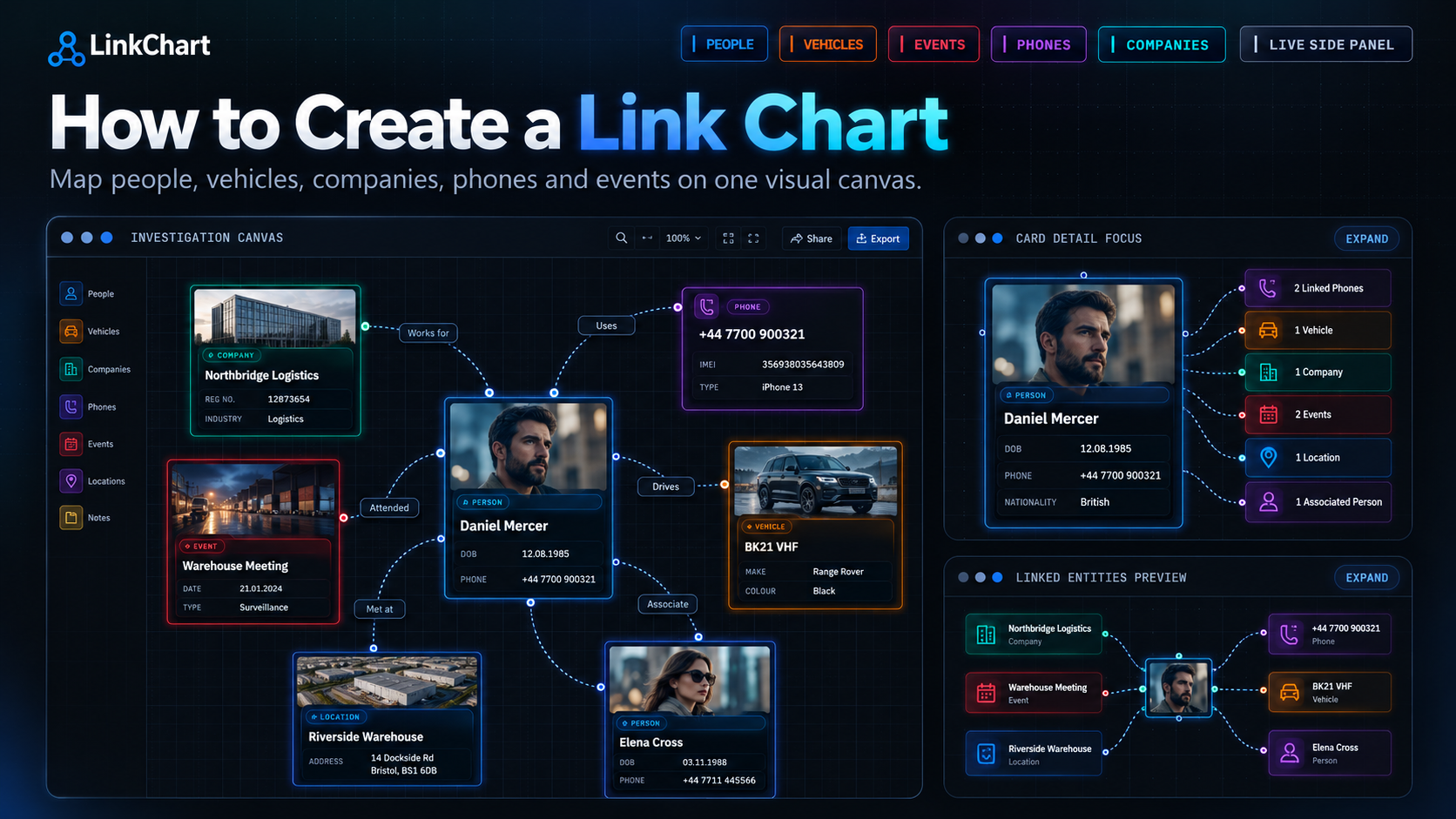
How to Create a Link Chart for an Investigation: Step-by-Step Guide
Learn how to create a clear investigation link chart from start to finish. This guide explains how to map people, vehicles, phones, locations, companies, events and relationships — and how to build your own link chart online with LinkChart.

How to Find Someone on Bumble in 2026: What Actually Works
Looking for a specific Bumble profile? Compare shared profile links, in-app filters, name and photo searches, and learn how to assess possible matches. Start a structured dating profile search with LinkChart using the details you already know.
Build this on a real canvas
Open linkchart and turn the ideas in this article into a living, labelled link chart.